

If you’ve ever tried cutting out a subject from a photo manually, you know how painful it can be. Zooming in, erasing edges pixel by pixel, fighting with hair, brushing around tricky objects—it’s enough to make anyone give up.
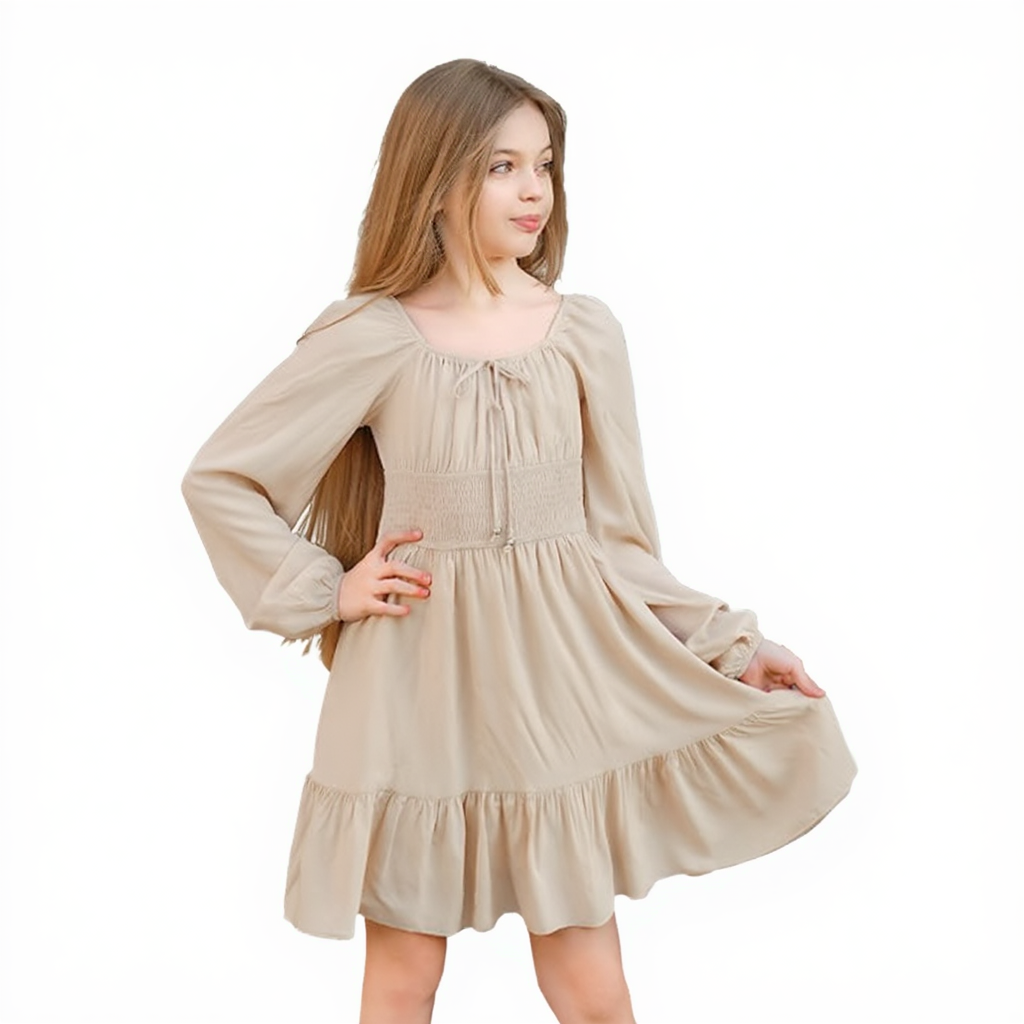
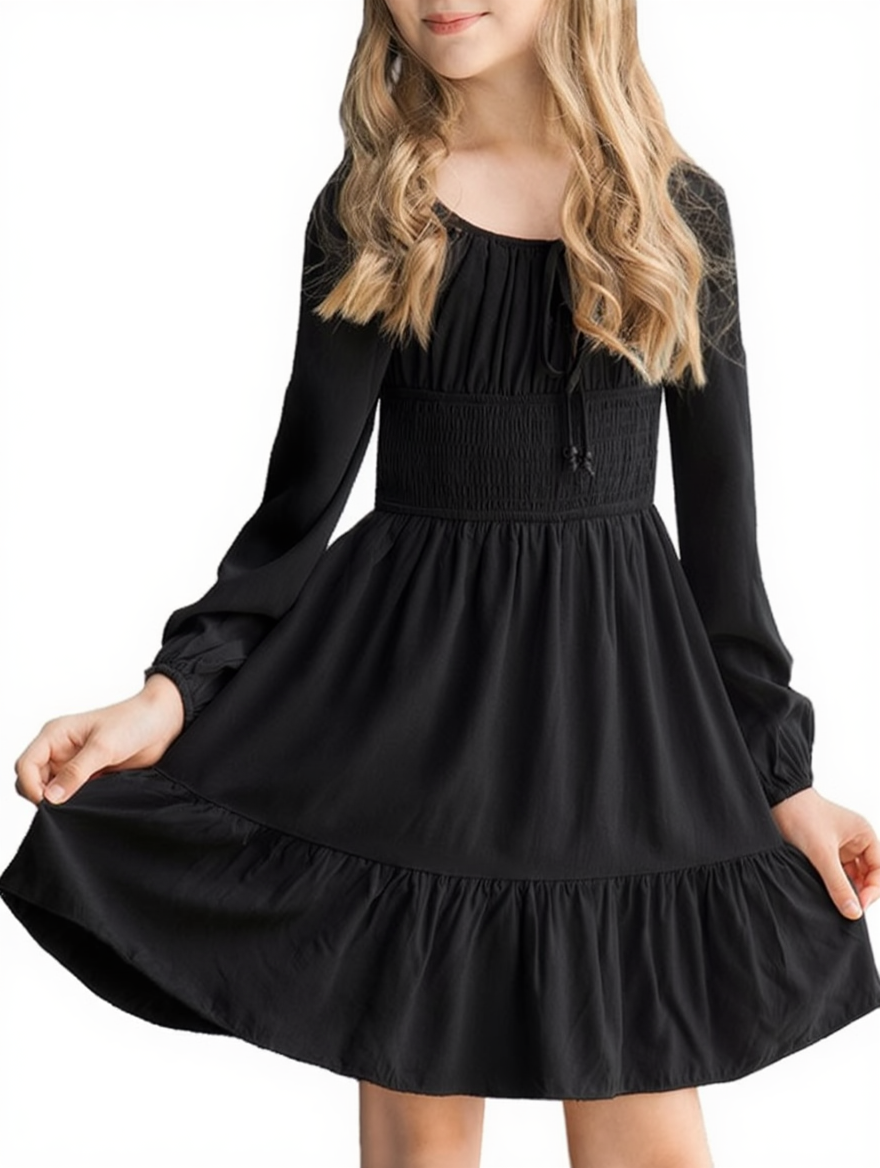
VisioMint changes this experience completely. Using AI trained on millions of images, it can isolate people, products, animals, or objects instantly, giving you a clean cutout that looks professional. No Photoshop, no manual tracing—just a few clicks and you’re done.
Why Use VisioMint for Background Removal?
✅ One-Click Magic with AI Precision: VisioMint accurately separates the subject from the background, even if the edges are complicated—think hair strands, fur, transparent fabric, or overlapping shapes.
✅ Fast, Clean, and Beginner-Friendly: Anyone can use VisioMint’s background removal tool—no design experience required.
How to Remove Background from Images with VisioMint
Removing background from image with VisioMint is super easy and it can be done very quickly. You don’t need any specific knowledge to get it done. Here is a step by step guide you can check out.
Step 1: Download and Install VisioMint
VisioMint is a desktop app. You need to download and install the app on your PC or Mac first.

Step 2: Add Your Image and Choose the Enhance Tool
Launch the VisioMint app. Then, click the “Add” button at the left upper corner to import the images.
On the left sidebar, click the “Remove BG ” option. This opens the AI super-resolution workspace.

Step 3: Custom Settings
Before the editing task starts, you have to complete a couple of settings under the Settings section. Please choose an output image size, the output format, the save path and adjust the image quality.
Step 4: Start Removing Background from Image
Now, click the “Start” button to let the built-in AI engine remove background from the image automatically based on the option or prompt you have set. Usually, it only takes a few seconds to process one image.
The Bottom Line
Background removal doesn’t have to be slow, messy, or frustrating. VisioMint turns what used to be a tedious task into a fast, accurate, and enjoyable process. Whether you’re preparing images for your online store, making thumbnails, or designing posters, VisioMint delivers clean cutouts with outstanding precision—no manual tracing required.