
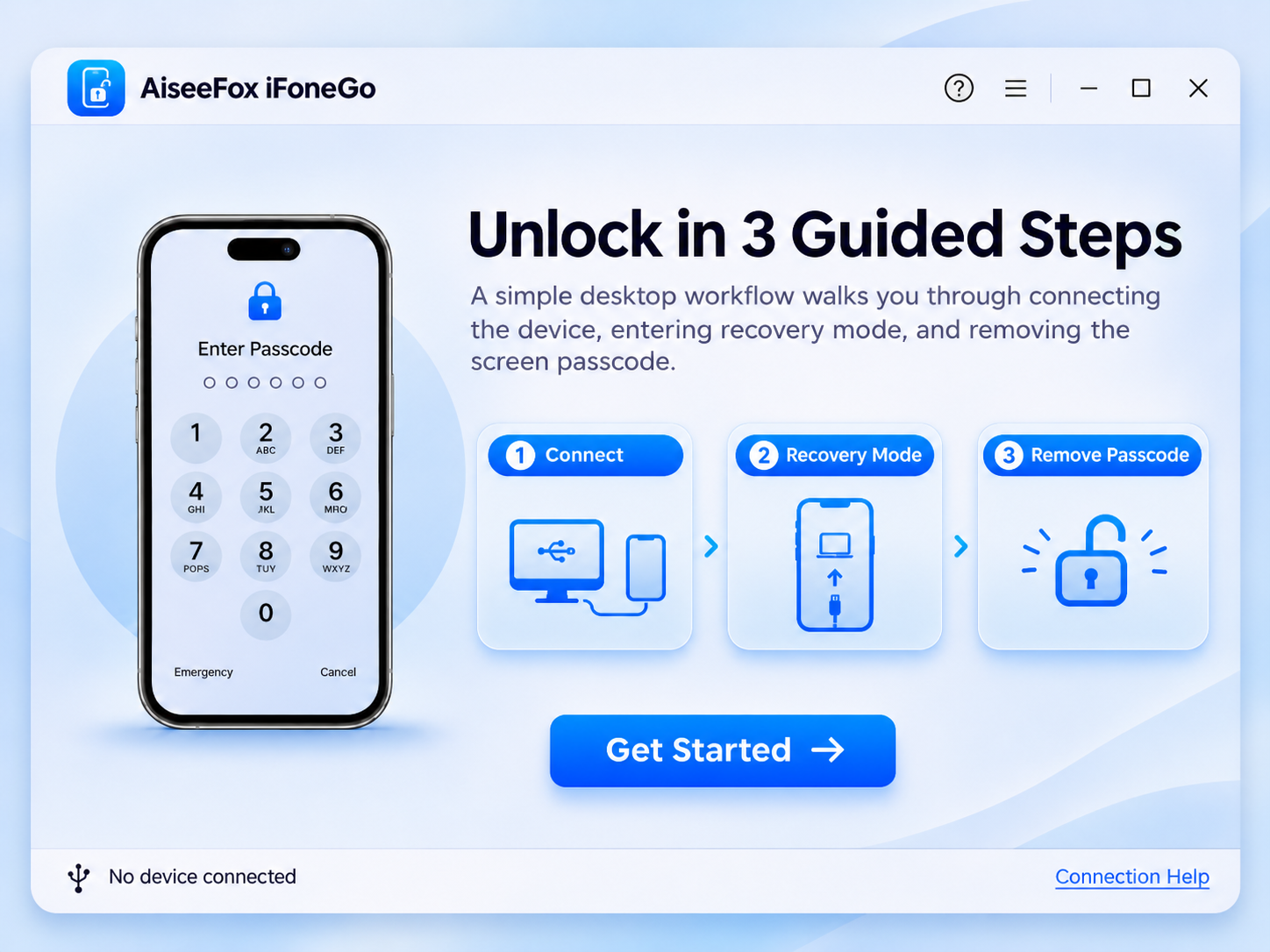
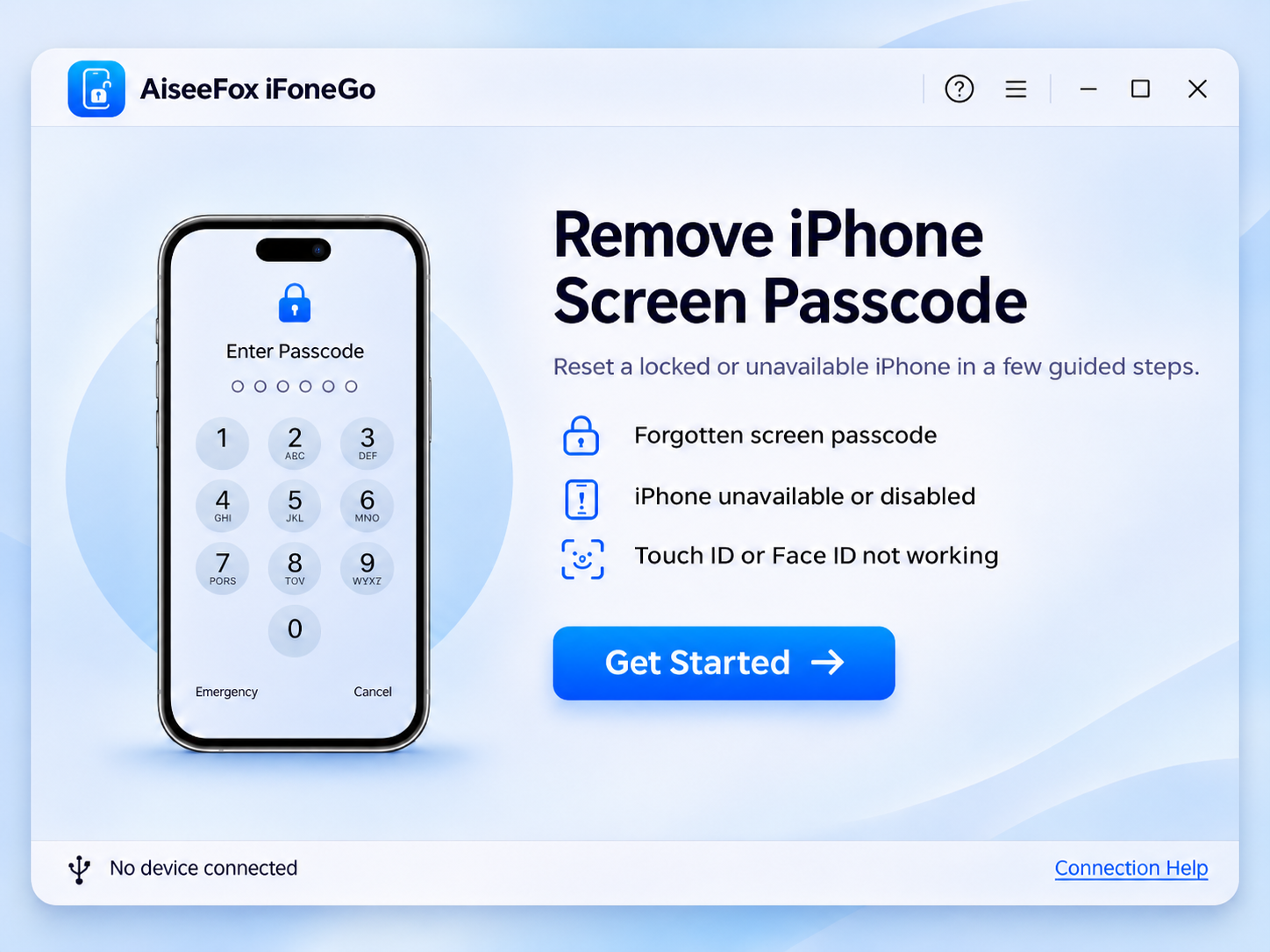
Forgotten iPhone Passcode
Forgot the 4-digit or 6-digit passcode on your iPhone? iFoneGo walks you through the reset process so you can set up the device again. Resetting an iPhone normally erases its data; restore from a backup afterward if one is available.
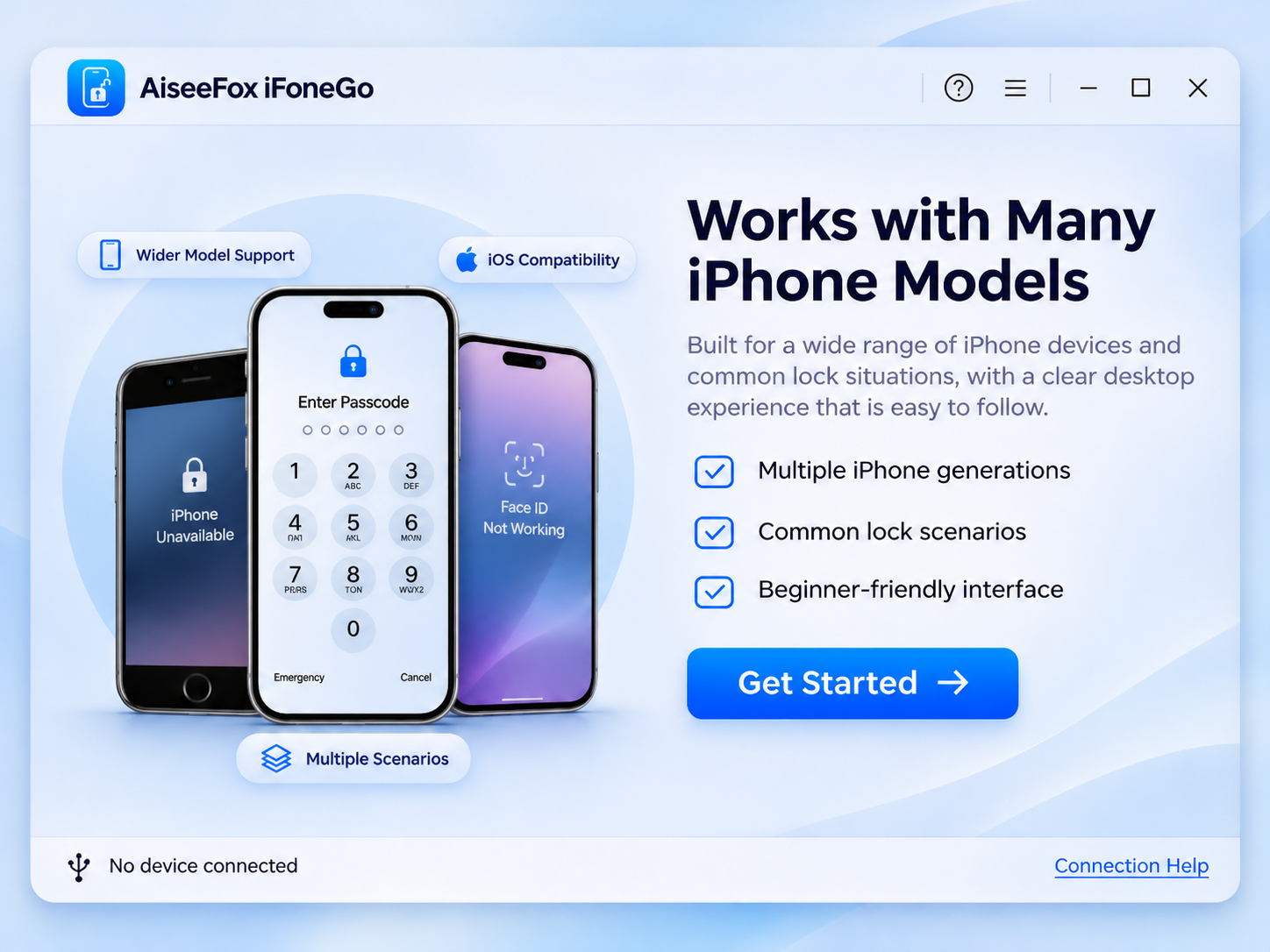
iPhone Unavailable or Disabled
Too many incorrect passcode attempts can leave an iPhone disabled or showing iPhone Unavailable. iFoneGo is designed to guide you through resetting the locked device so it can be set up again.
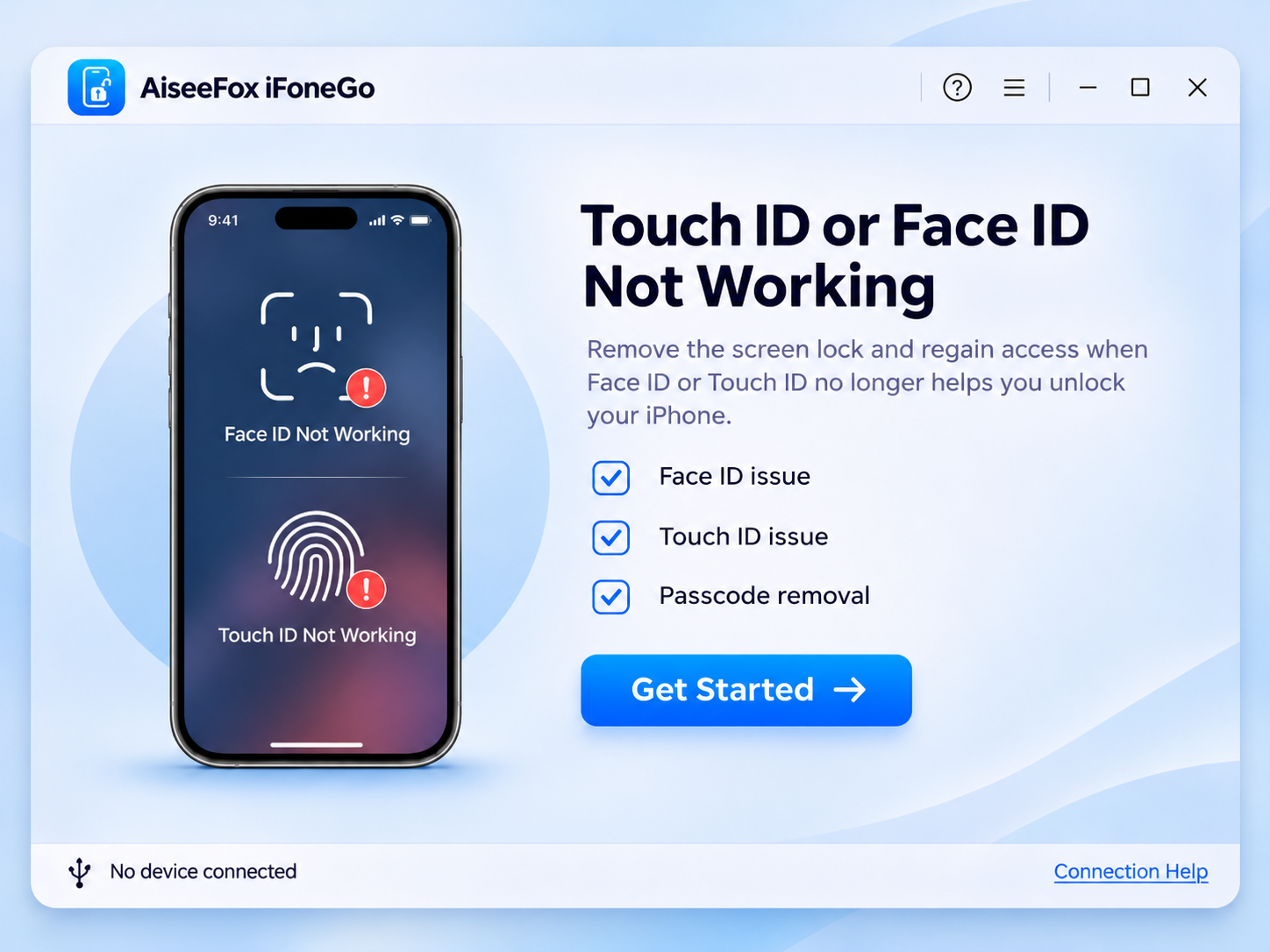
Face ID or Touch ID Not Working
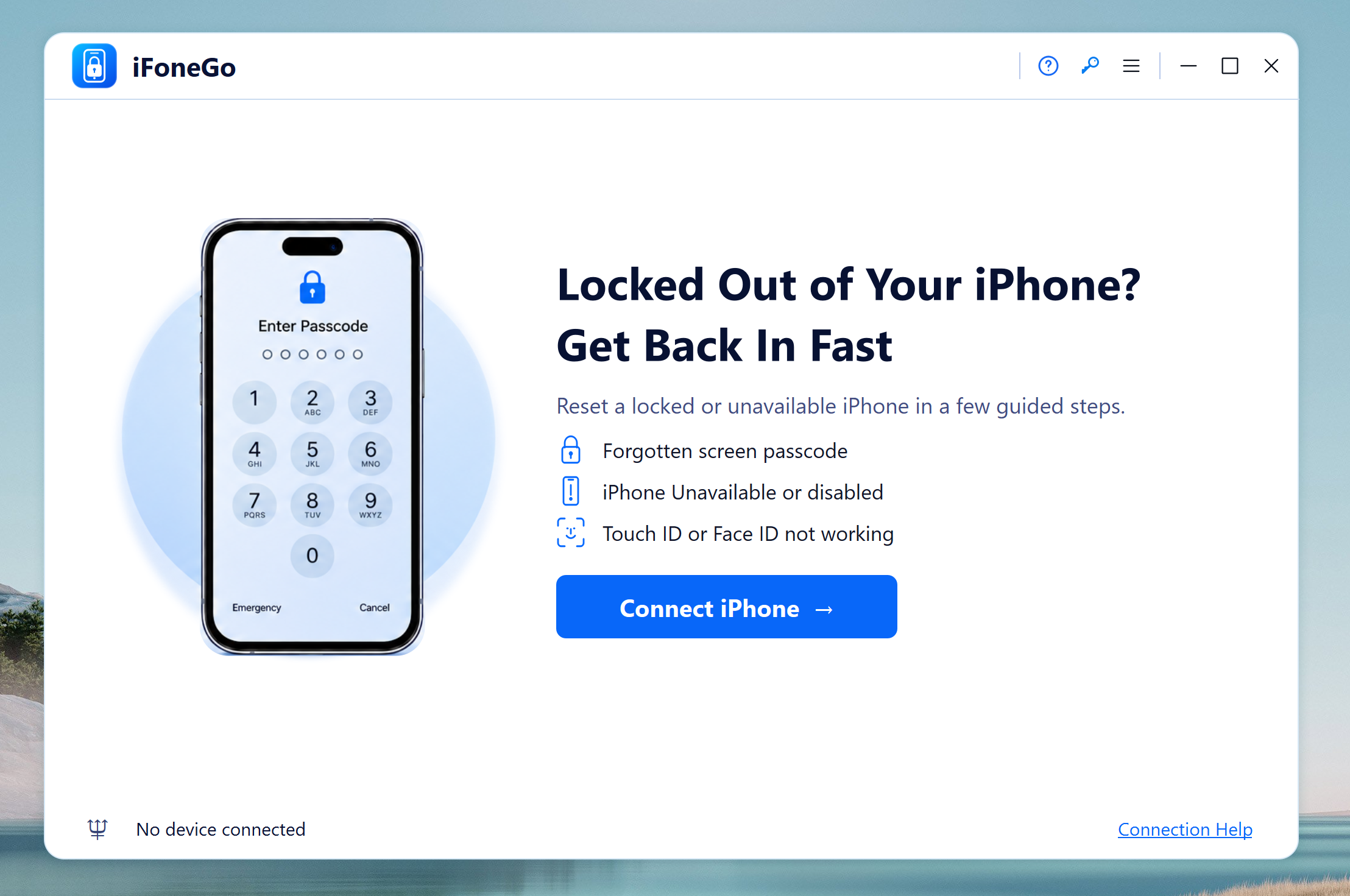
When Face ID or Touch ID is unavailable and you cannot remember the fallback screen passcode, iFoneGo offers a guided device reset workflow. You will still need your Apple Account credentials if Activation Lock is enabled.
A Guided Reset for a Locked iPhone
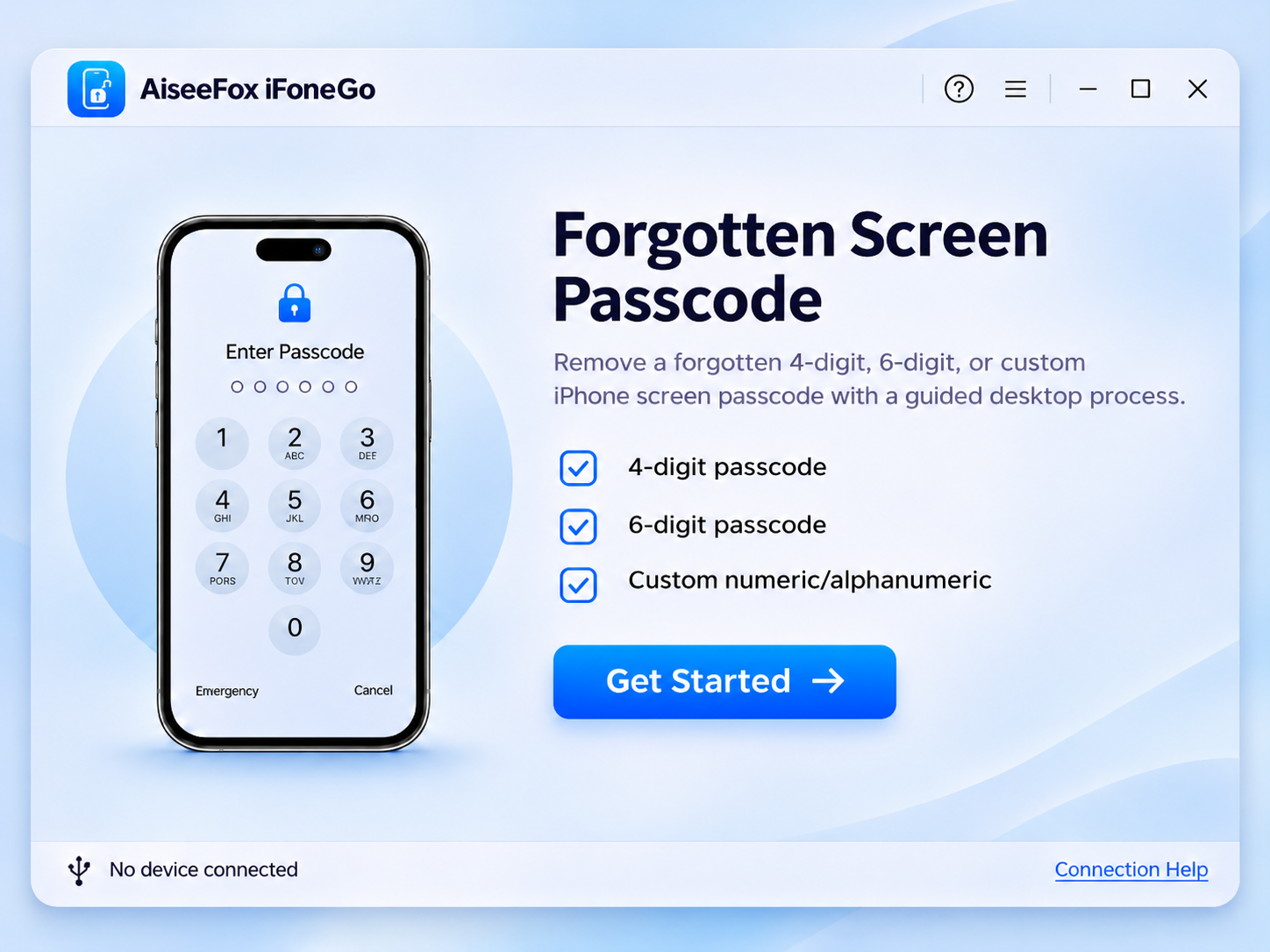
iFoneGo is designed for situations where you own an iPhone but can no longer get past the lock screen. Connect the device, follow the instructions shown in the app, and complete the reset. The process typically removes existing data, and Apple Account verification may be required during setup.
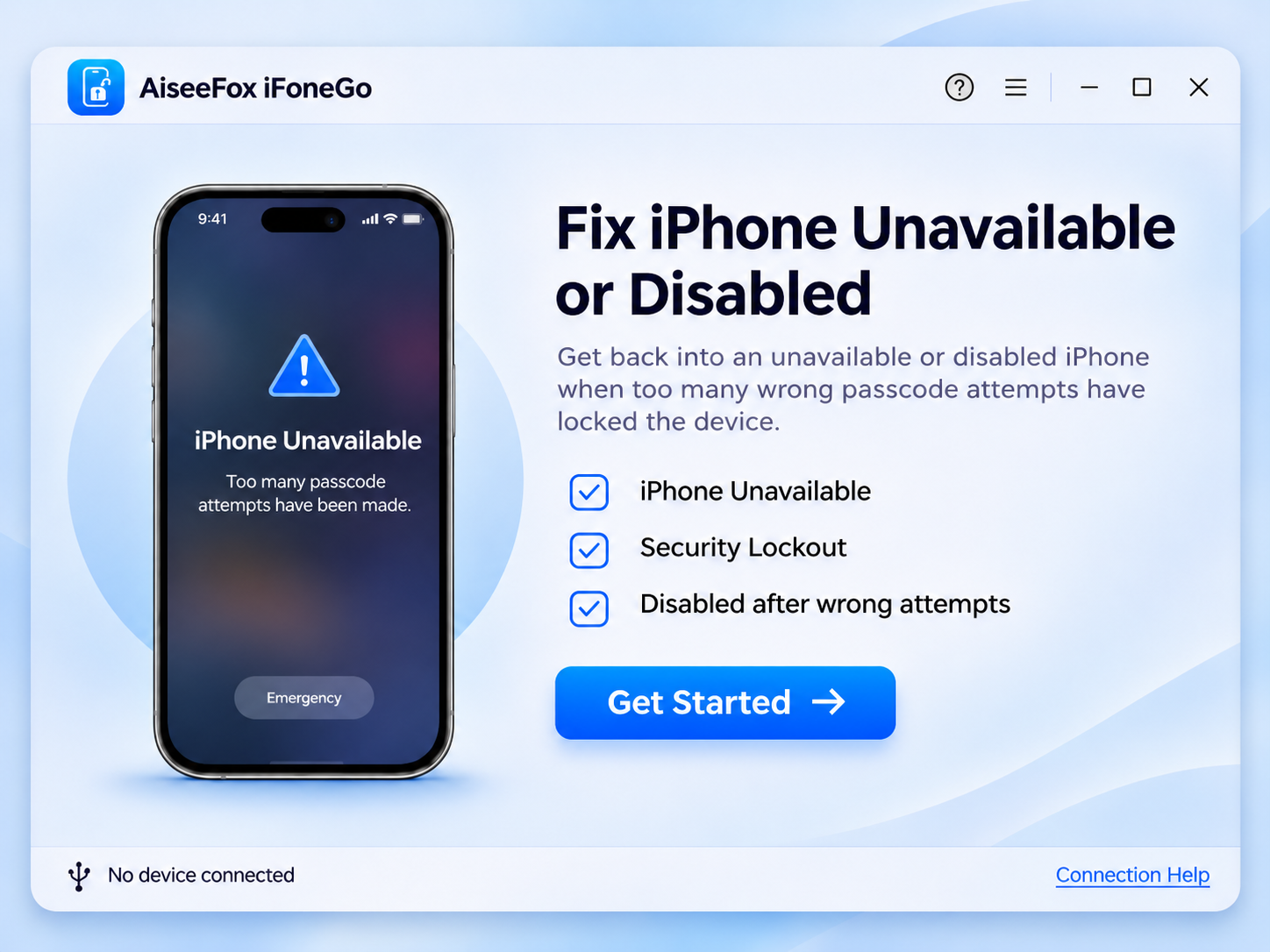
What to Know Before Removing an iPhone Passcode
Removing a forgotten screen passcode generally requires erasing the iPhone. Backed-up data may be restored later. iFoneGo does not remove Activation Lock or replace your Apple Account password, and the device may request the original Apple Account during setup.
How to Reset a Forgotten iPhone Passcode with iFoneGo
-
Step 1. Launch iFoneGo
Open the app on your computer and choose Remove iPhone Screen Passcode.
-
Step 2. Connect Your iPhone
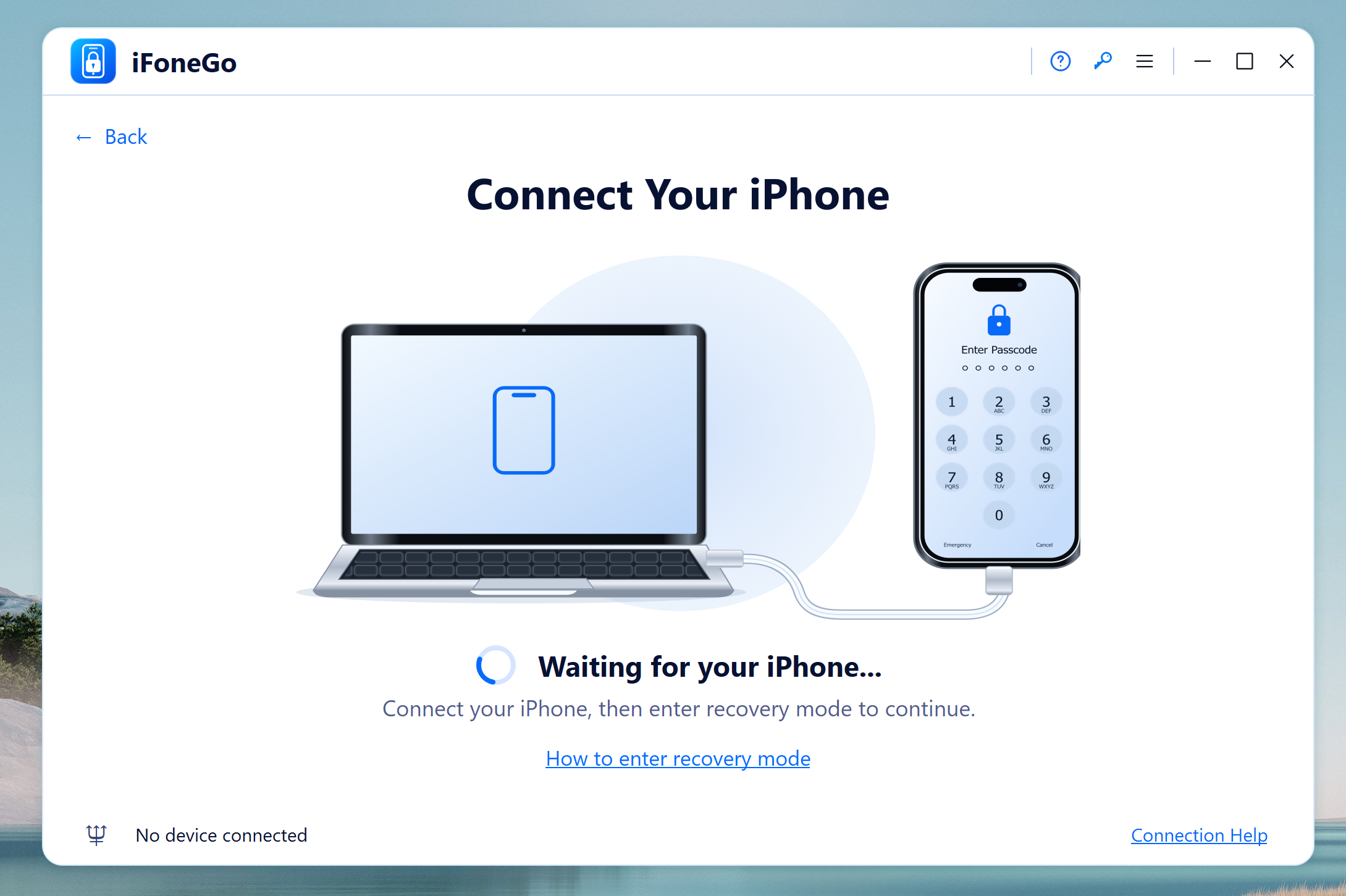
Connect the locked iPhone with a USB cable and follow the on-screen instructions.
-
Step 3. Start Unlocking iPhone
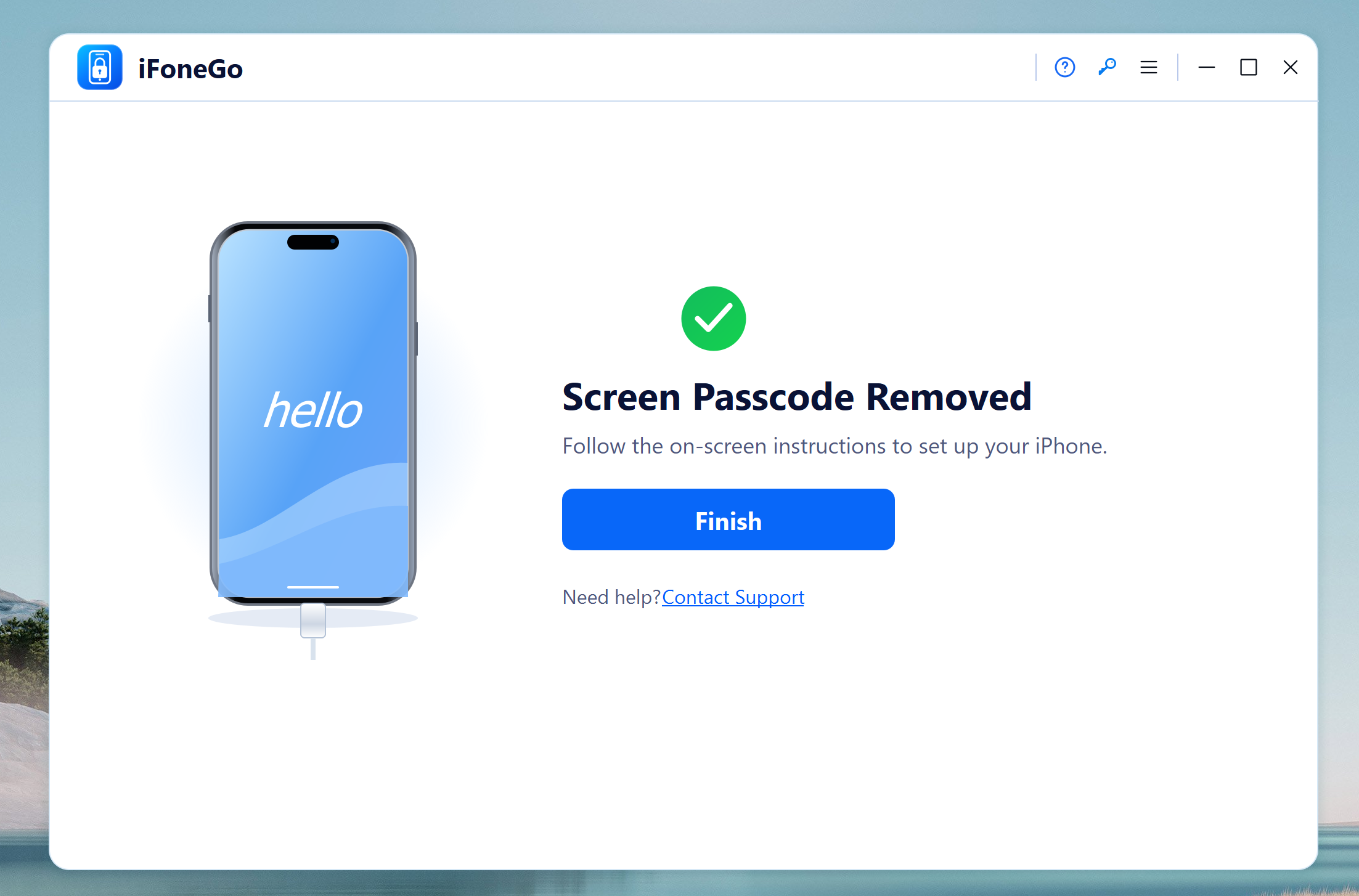
Review the erase warning, then follow the app's instructions to unlock the iPhone. Set it up again and restore from a backup if available.
Editor Reviews

"iFoneGo offers a straightforward solution for users who have forgotten their iPhone screen passcode. Its clean interface and guided instructions make the reset process easier."

"Getting locked out of an iPhone can be frustrating. iFoneGo provides a practical desktop-based solution for resetting an unavailable or disabled iPhone without navigating complicated recovery procedures."

"One of iFoneGo's biggest strengths is its simplicity. The step-by-step workflow helps users connect their iPhone, enter recovery mode, and reset the device with clear instructions."

"From forgotten passcodes to failed Face ID or Touch ID authentication, iFoneGo addresses several common iPhone lockout situations in one application as a convenient option.""