
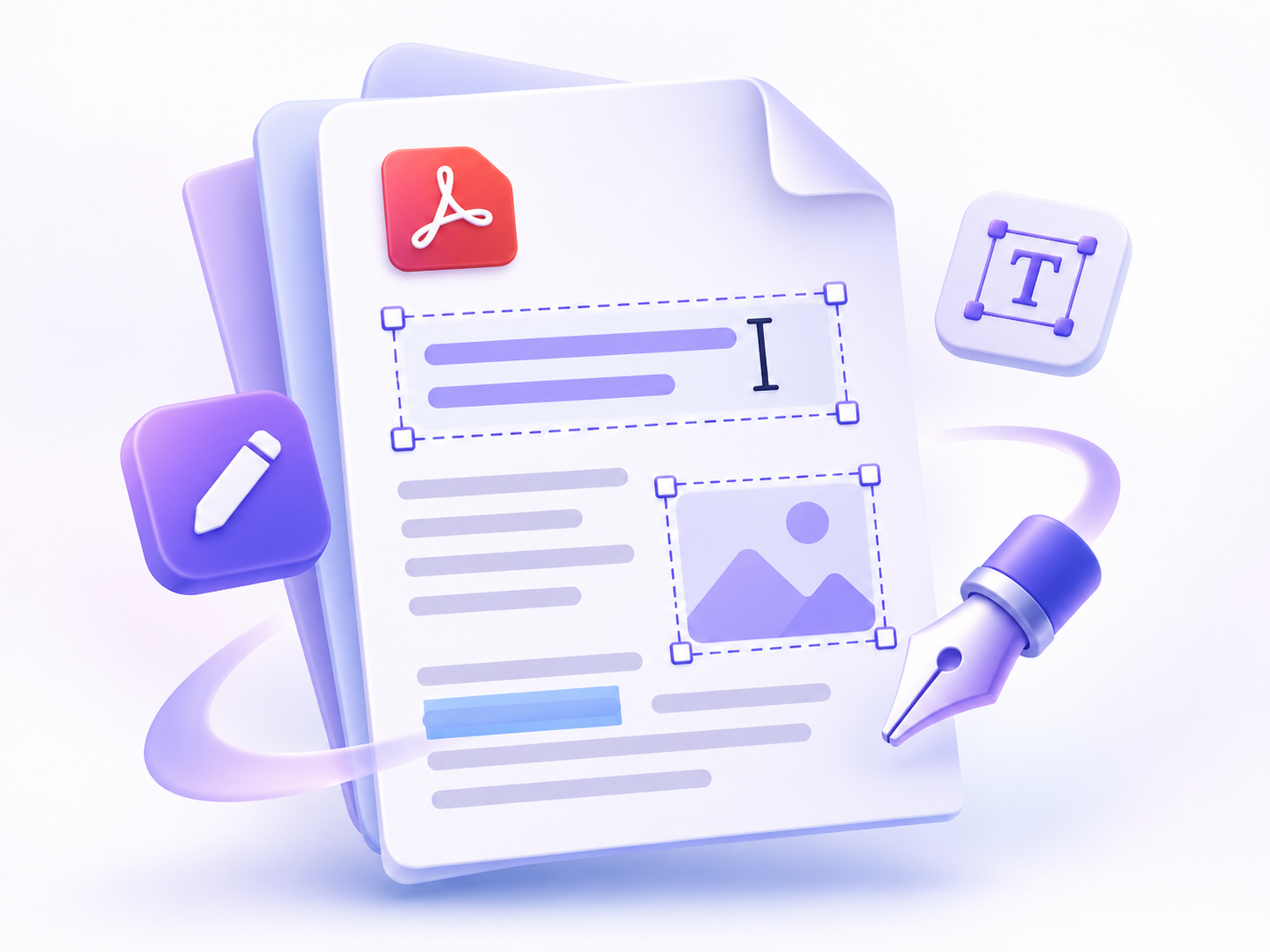
Edit PDF Text, Images and Forms
Make changes directly in your PDF. Add or edit text, insert images, work with forms, apply watermarks and find and replace text. Update reports, contracts and everyday documents without recreating them.

Annotate and Review PDF Documents
Highlight important passages, draw freehand, add sticky notes, text boxes and shapes. Keep feedback organized and make document reviews easier.

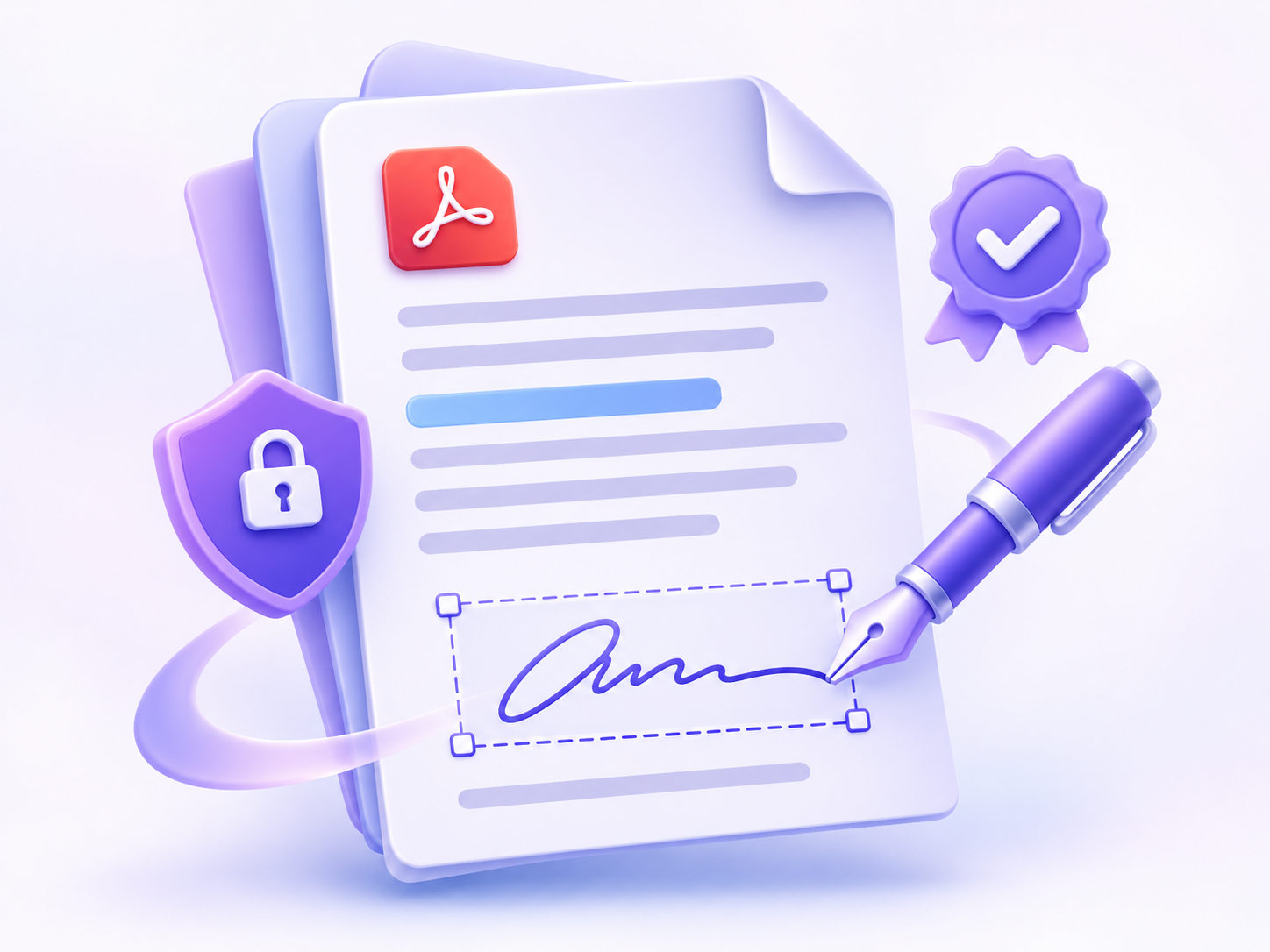
Organize and Protect PDF Pages
Insert, replace, rotate, delete and extract pages. Merge or split documents, compress large PDFs and add password protection with configurable permissions.
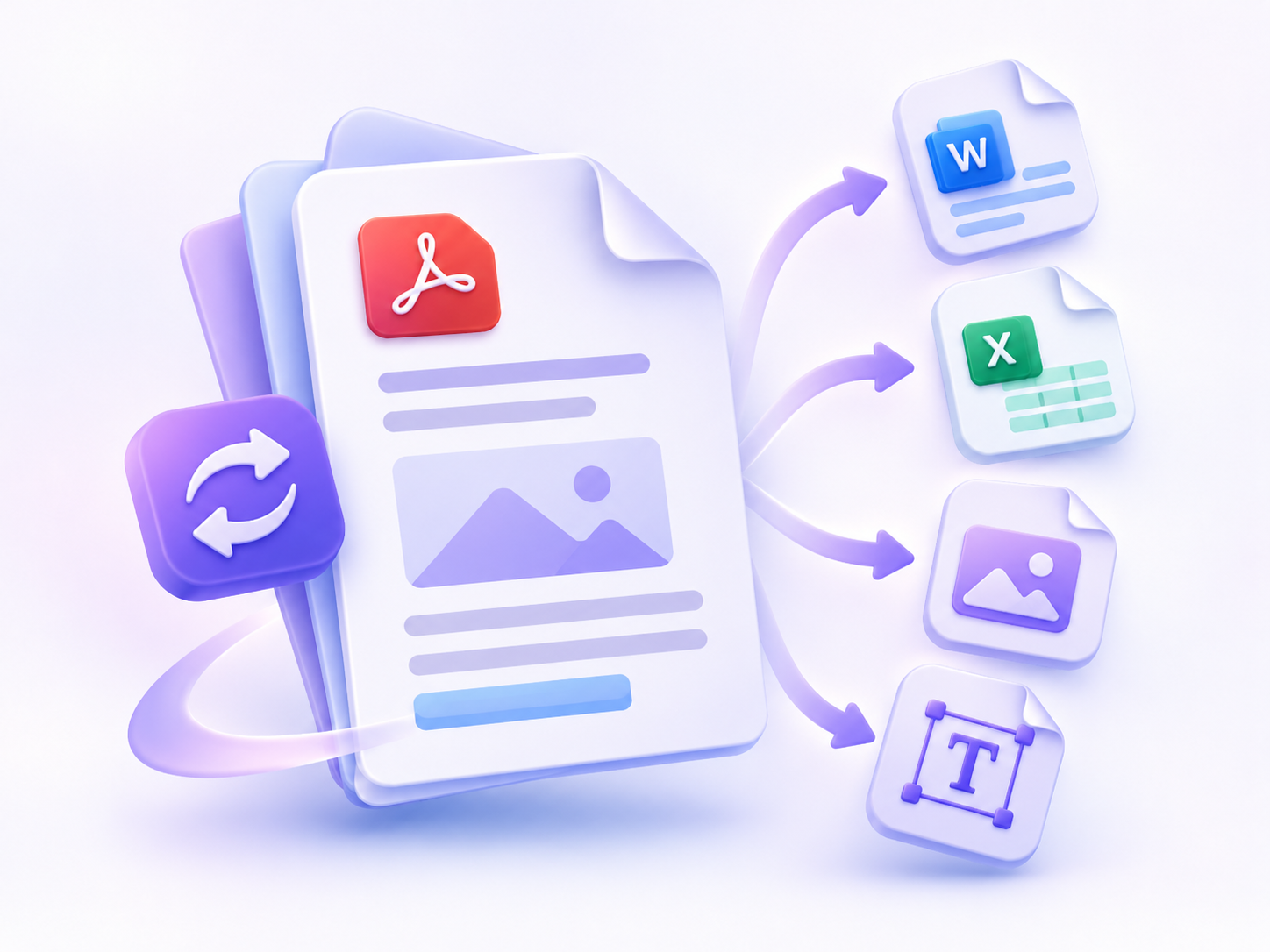
Convert PDFs to Word, Excel, Images and More
Turn PDF content into Word, Excel, TXT, HTML, JPG or PNG. Combine images into a PDF, extract embedded images and process multiple files when needed.
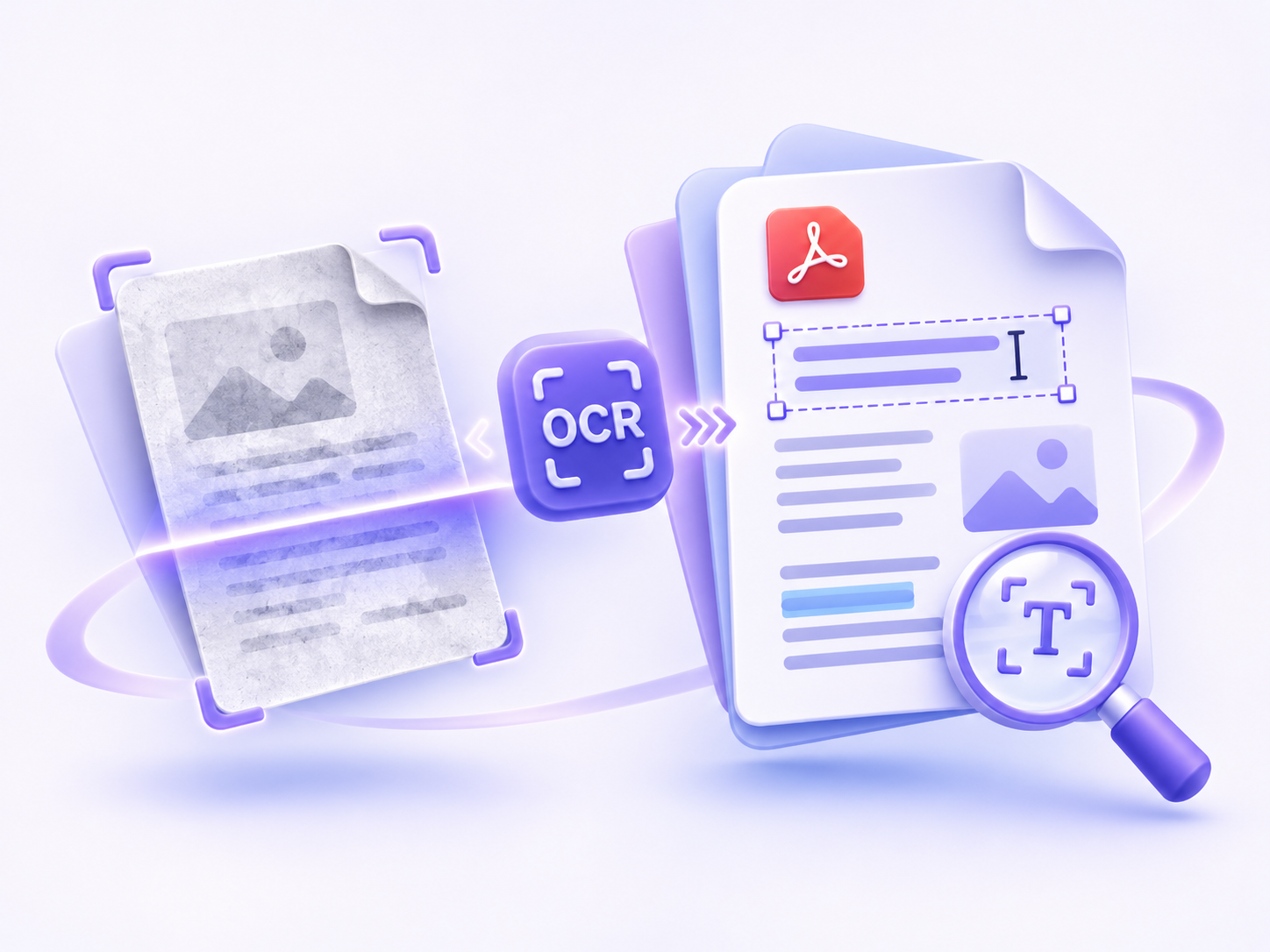
Sign PDFs and Recognize Scanned Text with OCR
Add a signature to forms and agreements directly in the editing workspace.
OCR for Scanned PDFs
Use OCR to turn scanned pages into searchable PDFs, making recognized text easier to find, copy and reuse. Choose the document language and page scope, or use Batch OCR for multiple documents.
How to Use PDFNavo on PC or Mac
-
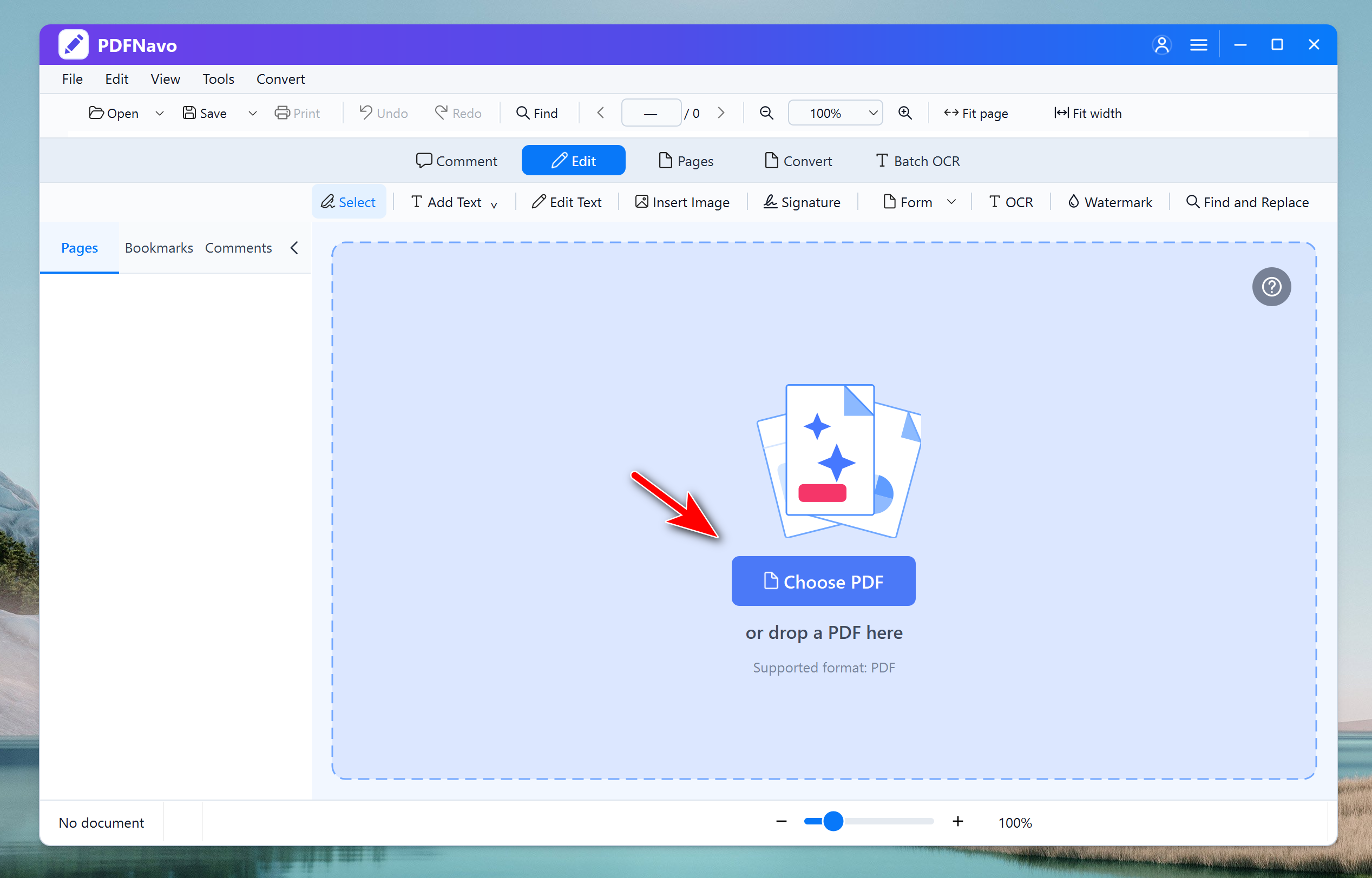
Step 1. Open a PDF
Download and install PDFNavo. Open a PDF or drag it into the workspace.
-
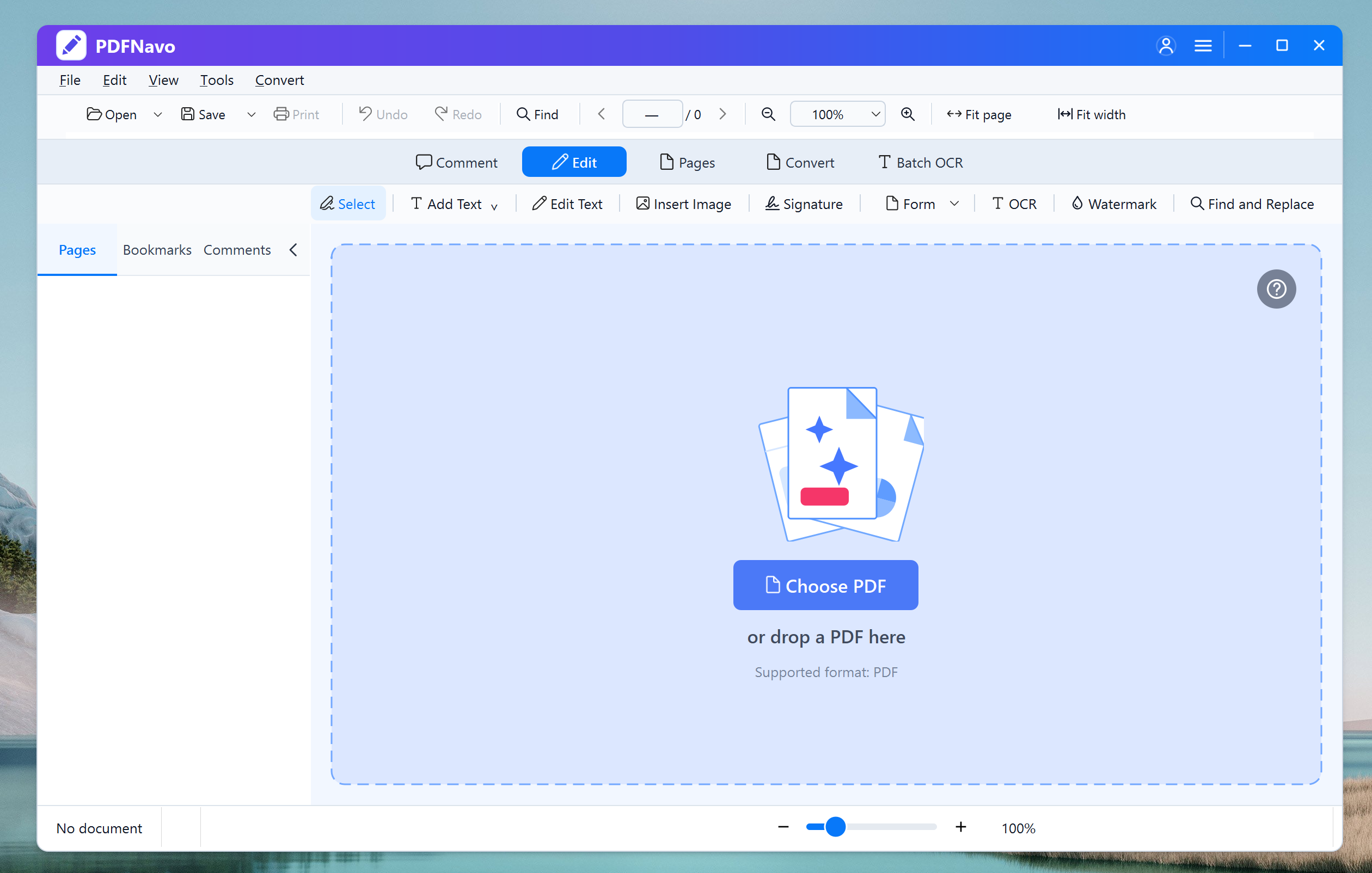
Step 2. Choose a PDF Tool
Choose Edit, Comment, Pages, Convert or Batch OCR from the toolbar.
-
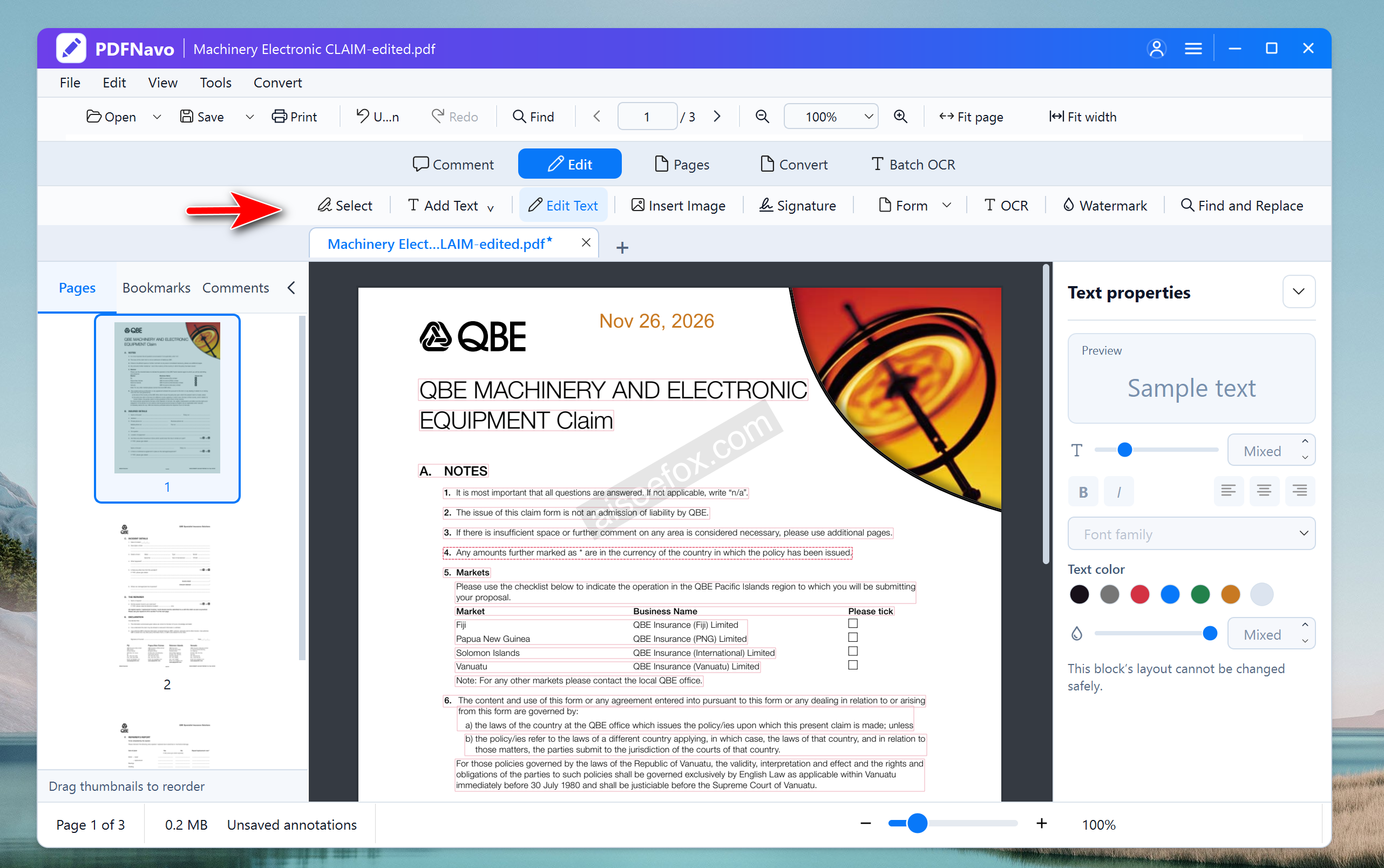
Step 3. Save Your Document
Apply your changes, then save the edited PDF or export it to your preferred format.
Editor Reviews

"A single workspace for editing, annotating and organizing everyday PDF documents"

"Flexible page tools for combining, splitting and extracting the content you need. "

"OCR helps make scanned documents searchable and easier to reuse."

"Convert PDFs to popular formats and create PDFs from images."
AiseeFox PDFNavo
Edit, sign, annotate, convert and organize PDFs in one desktop app.